Hidden Siri AI menu surfaces in macOS 27 beta
A Reddit user found a lightweight Siri AI pop-up in macOS 27 Golden Gate beta, with writing tools, summaries and context-aware shortcuts.
By Georgia Hale · Staff Writer
3 min read
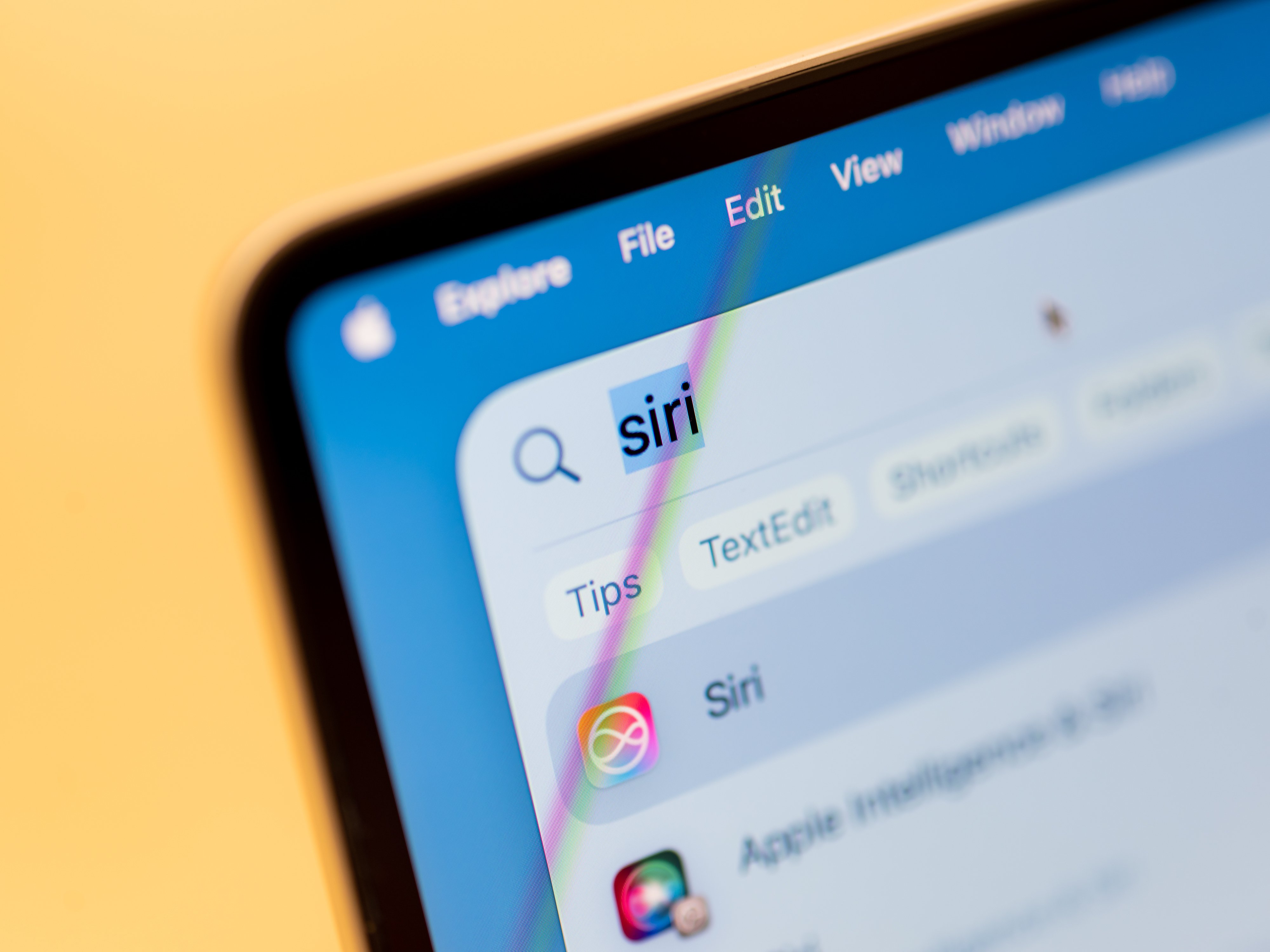
Apple’s next Mac software beta appears to be carrying a tucked-away Siri AI menu that can pop up when users highlight text.
A Reddit user posting in the r/MacOSBeta subreddit said they found a hidden “lightweight UI” for Siri AI inside the macOS 27 Golden Gate beta. According to that post, the interface serves up a small menu of AI tools tied to whatever text is selected.
The menu includes writing options such as Rewrite, Proofread, “How does this sound?” and “Edit with Siri,” according to the Reddit post. It also offers ways to summarize selected text or turn it into bullet points.
The pop-up can also change its choices based on the content selected, according to the same account. A highlighted phone number can bring up an option to add it to contacts, while an address can produce an “Open in Maps” shortcut.
Other tools described in the Reddit post include options for creating calendar events, drafting messages and emails, and tracking flights and packages.
Why the Siri AI menu is hidden
MacRumors reported that the interface is present in macOS 27 developer beta 3 and public beta 1, but appears unfinished. The site said some features do not behave as expected, while other options do not work at all.
That helps explain why the feature is not enabled by default. Apple has not publicly confirmed whether this Siri AI interface will be part of the final macOS 27 release.
The discovery lands as Apple’s broader Siri AI relaunch is being tested on iOS. The Mac interface described by Reddit users points to a more systemwide version of the assistant, built around selected text and quick actions rather than a single chat-style window.
How Reddit users say it can be switched on
Redditor pdfu said macOS 27 beta users can activate the interface through Terminal by creating a feature flag and enabling the LightweightUI_macOS setting.
Changing system settings through Terminal can affect macOS behavior. These steps were posted by Reddit users, and they should only be attempted by people who understand the risks of editing operating system preferences.
The command posted on Reddit to enable the interface is: sudo mkdir -p /Library/Preferences/FeatureFlags/Domain && sudo defaults write /Library/Preferences/FeatureFlags/Domain/WritingTools LightweightUI_macOS -dict Enabled -bool true
According to the Reddit thread, users must restart the Mac after running the command for the Siri AI interface to appear.
The same thread said the feature can be disabled again with this Terminal command: sudo defaults write /Library/Preferences/FeatureFlags/Domain/WritingTools LightweightUI_macOS -dict Enabled -bool false
For now, the menu remains a beta curiosity: visible to those willing to flip the switch, unfinished enough to stay out of the spotlight, and still unconfirmed for the public macOS 27 launch.
This story draws on original reporting from Mashable.