GTA 6 lets streamers mute licensed music in the audio settings
GTA 6’s Mute Licensed Music setting cuts licensed tracks from streams, though it is not a guarantee against copyright claims.
By Bianca Rossi · Entertainment Editor
2 min read
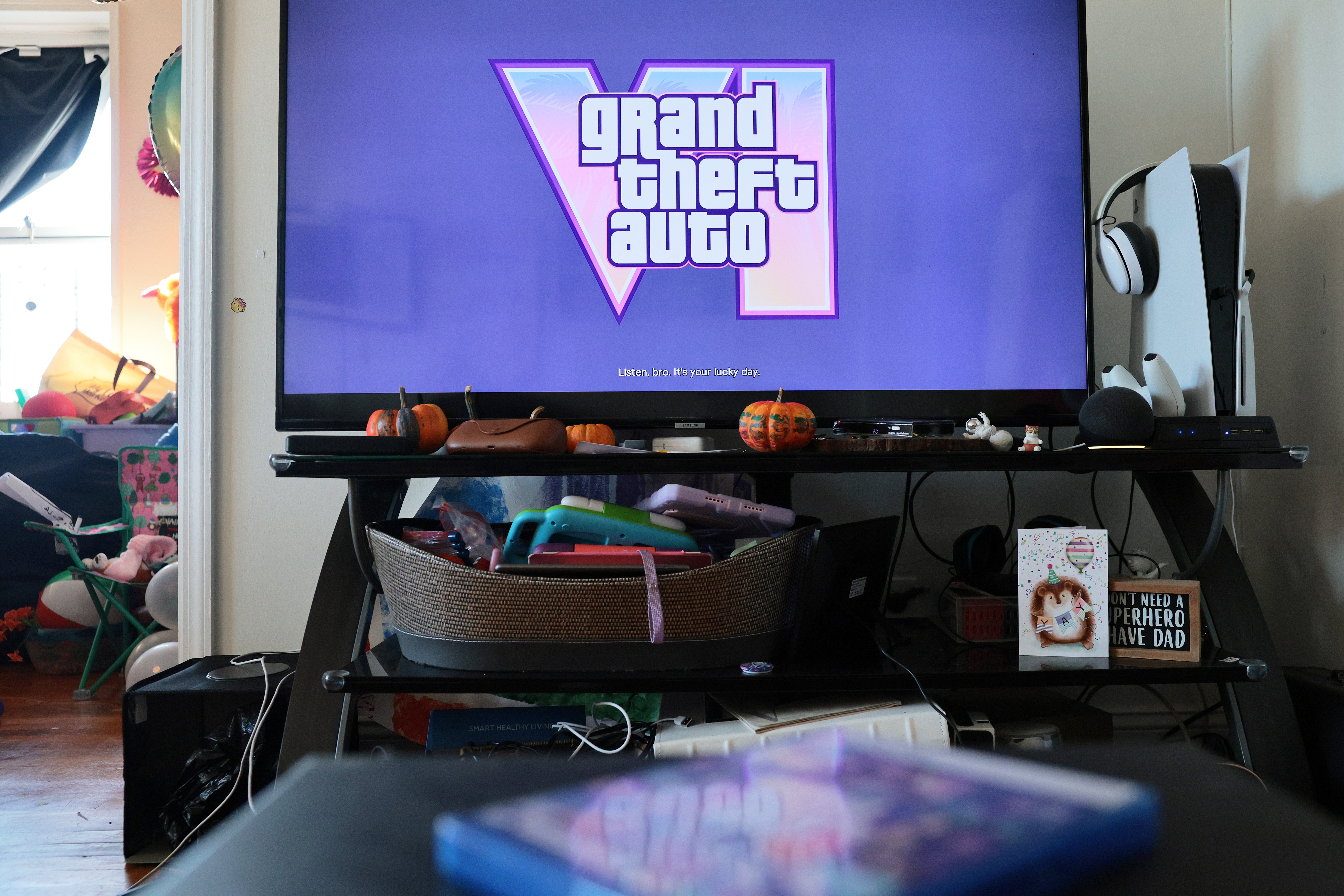
GTA 6 Mute Licensed Music is the setting streamers and video creators can use to stop licensed tracks from being heard in gameplay, according to Mashable. It may reduce copyright risk from the game’s radio music, but it does not guarantee a video or broadcast will avoid claims, takedowns or strikes.
The switch is built into the game’s audio menu. Mashable reports that it removes licensed songs while leaving some other in-game audio intact.
How do you mute licensed music in GTA 6?
- Pause the game using the controller’s Options or Menu button.
- Open Settings.
- Select the final tab, Audio.
- Scroll to Mute Licensed Music and turn it on.
Mashable says the option silences licensed music heard through GTA 6’s in-game radio stations. That is useful for creators who do not want that music included in a livestream, uploaded clip or recorded video.
The game’s soundtrack includes music from outside artists, Mashable reports. Rights to stream or upload Rockstar Games’ own music do not necessarily cover separately licensed recordings, making those tracks a potential copyright concern for creators.
What still plays with GTA 6’s licensed music muted?
Turning on the setting does not appear to swap the radio for a streamer-safe playlist. Mashable reports that Rockstar does not supply royalty-free replacement music through this option.
When a licensed song would be playing, viewers and players may hear silence until a radio host segment or an original piece of game music begins. Music made for the game can still be audible, according to the report.
There is one slightly odd wrinkle for anyone using subtitles: captions for licensed songs can remain on screen even while the song itself is muted.
Creators should treat the toggle as an audio-control tool rather than a promise of platform protection. The available reporting supports that it mutes the licensed tracks, but does not establish that enabling it prevents every copyright claim, strike, demonetization decision or account action.
For broadcasts where the radio is part of the background, the trade-off is straightforward: less music, and potentially more dead air, in exchange for removing the reported licensed-music element from the stream audio.
This story draws on original reporting from Mashable.